WordPress automatically generates a dynamic 404 error page. For publishers, this can feel a bit awkward at first, since this page sits outside your usual content logic. But once you look closer, it opens up a few interesting opportunities.
In this tutorial, I’ll walk you through how to handle ads on 404 pages properly, where you need to be careful, and how you can either keep things fully compliant or turn these pages into something that actually supports your monetization strategy.
The server returns a 404 error page when it misses the requested URL. Instead of loading the expected content, the server returns a 404 status and shows an error message to the user.
This usually happens when a page was deleted or moved, or when the URL was entered incorrectly.
WordPress has a built-in template logic for this. It automatically triggers the 404.php file whenever it cannot find matching content. If that file does not exist, WordPress falls back to more generic templates like index.php.
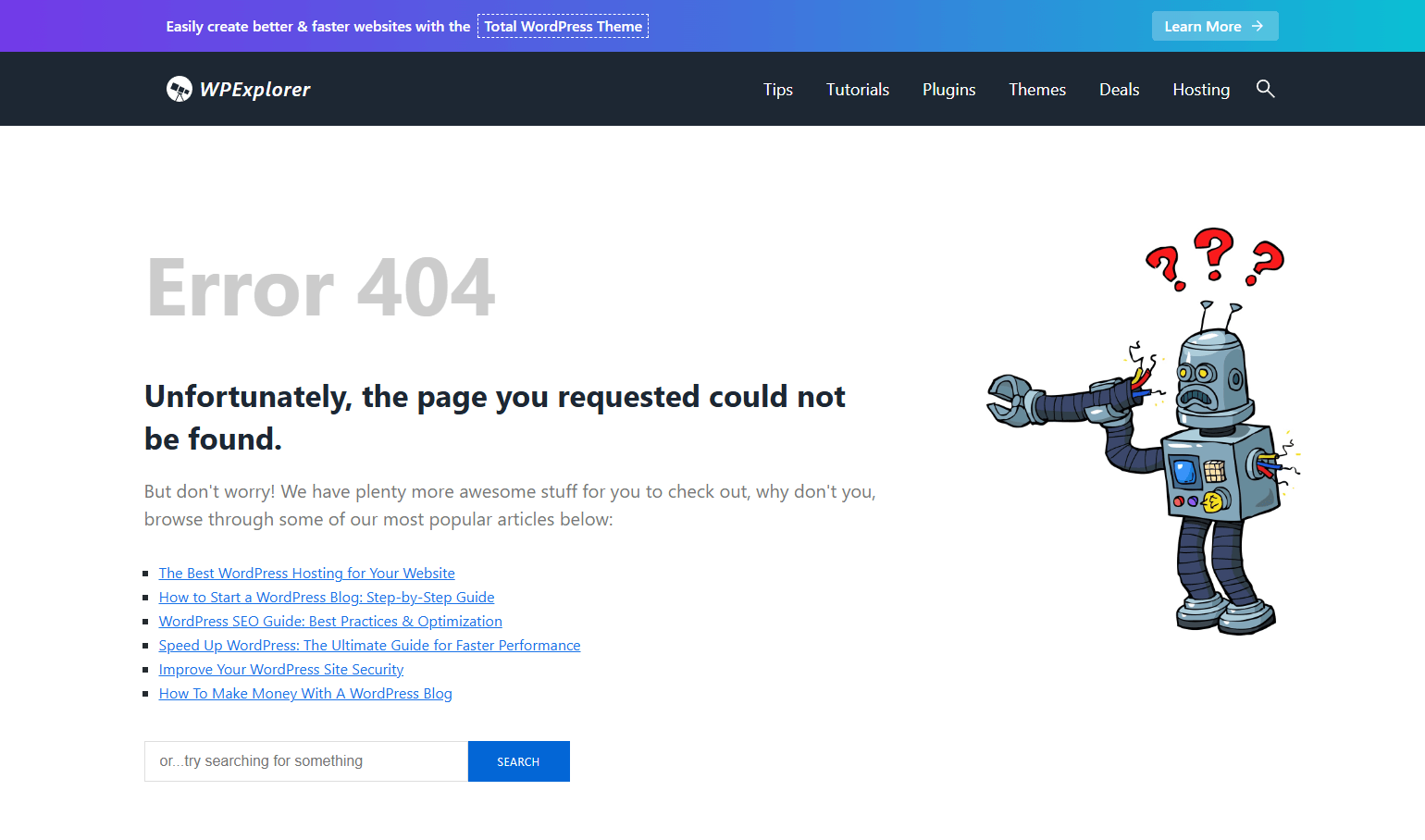
Many themes already include a styled 404 page with navigation, search, or helpful links. You can also define a custom 404 page using plugins such as Smart Custom 404 Error Page, which becomes especially useful if you want more control over layout and monetization.
Before considering monetization, you need to assess compliance. Many ad networks do not allow ads on pages without real content. And that is exactly how standard 404 pages are classified.
Google AdSense is very clear on this. Ads are not allowed on error pages. This includes all pages that do not provide meaningful content, such as thank you pages, login screens, or classic 404 pages.
If you use AdSense, ensure that your site does not load Google ads on these URLs. Ignoring this can lead to policy violations pretty quickly.
Now let’s look at the other side. A 404 page does not have to be a dead end. In many cases, users land here with a clear intent. They were looking for something specific and just did not reach the right destination.
That makes these pages surprisingly valuable. Instead of showing only an error message, you can turn the page into a structured hub. Think related content, helpful links, or offers that match the original intent. A travel blog could surface destination guides, hotel deals, or affiliate links. A tech site could highlight popular tutorials or tools.
The key is relevance. If you align your suggestions with what the user was originally looking for, you can recover lost traffic and even monetize it meaningfully.
Let’s break down how to handle this inside AdPresso. Depending on your setup, you have a few different approaches.
If you want to keep things simple and fully compliant, you can disable ads on 404 pages entirely.
Utilizing the global setting is the safest option if your monetization relies heavily on Google AdSense.
Here is how to do it:
From this point on, AdPresso will completely suppress ad delivery on all 404 pages.
If you want more control, you can work with conditions.
Important: this only works if 404 ads are not globally disabled.
Now you can control behavior on an item level.
A common use case is excluding specific ads while allowing others to run, using the General Pages condition.
Here is the setup:
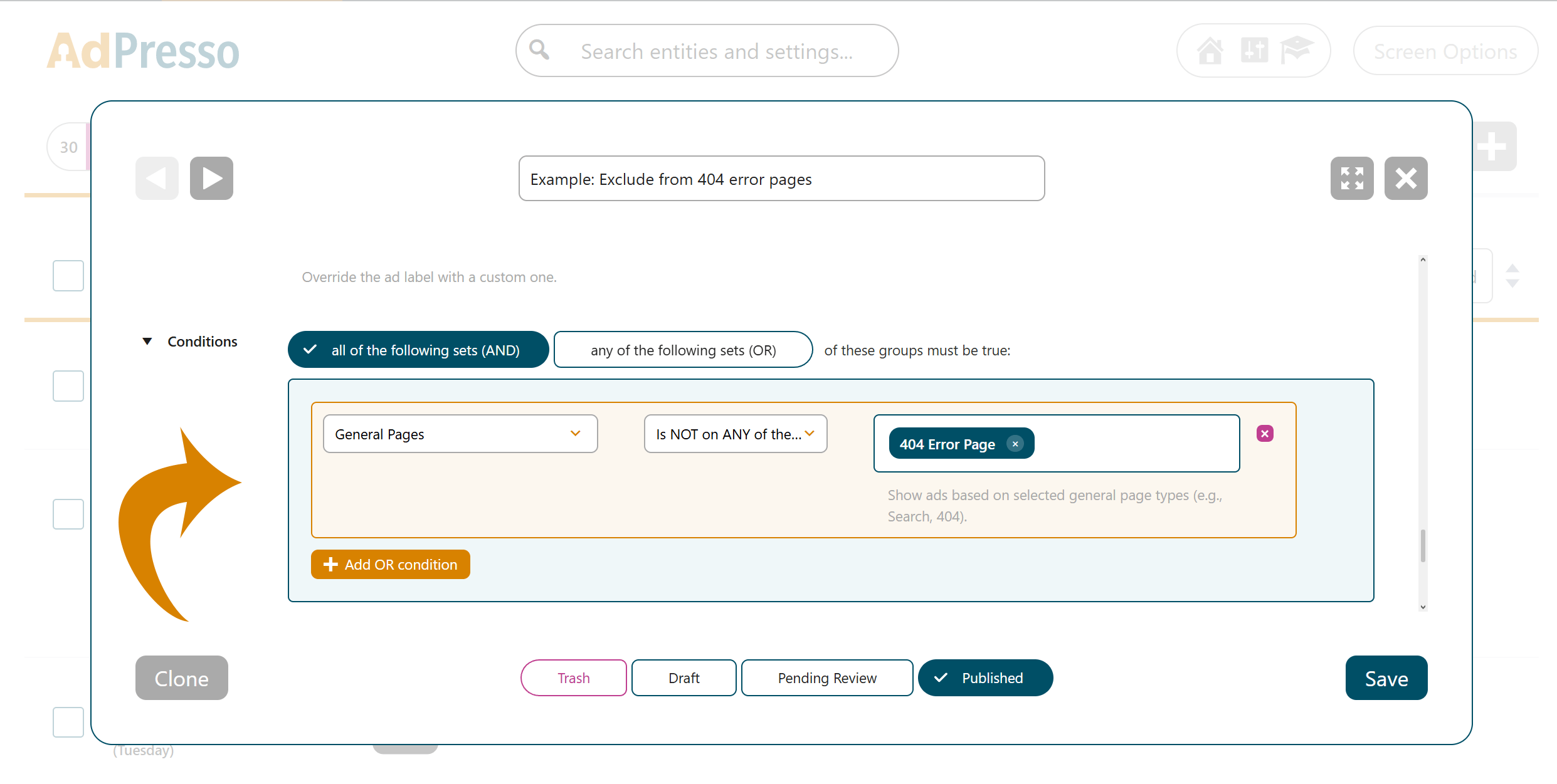
This ensures that the selected item will not appear on 404 pages, while the rest of your setup remains untouched.
This is where things get interesting. If you are using a custom 404 page that you can edit, you can treat it like any other page on your site. That includes placing ads exactly where they make sense.
This works especially well with Manual Placements. You can design your 404 page with actual value in mind and then insert ads within that structure. For example, inside recommendation sections, between content blocks, or as part of a soft call to action.
Instead of fighting the nature of a 404 page, you are turning it into a guided experience that brings users back into your content while still supporting your monetization.