Manual Placements provide precise control over where AdPresso renders specific ads. Instead of relying on automated injection, you define fixed positions once within your theme or content.
After implementation, you centrally manage all assigned ads or groups in the AdPresso interface, as you can with all placements. You can swap creatives, change rotation logic, or update code at any time without further edits to your templates or individual posts.
Manual placements are the ideal solution for two primary use cases.

Use manual placements for structural elements like headers, sidebars, or footers. By inserting a placement wrapper once into your template files, you keep your theme code stable. Future updates are handled entirely within AdPresso, removing the need for repeated code edits.
If you prefer manual positioning over automated injection, you can insert placements directly into individual posts. This gives you full editorial control over context and alignment. Since the placement acts as a structured wrapper, you can update your entire ad setup centrally without revisiting old articles.
In contrast to the direct implementation of ads or groups, placements grant you access to advanced features. Manual placements let you use options like Lazy Loading or AdBlocker fallbacks, keeping your site fast and your monetization reliable.
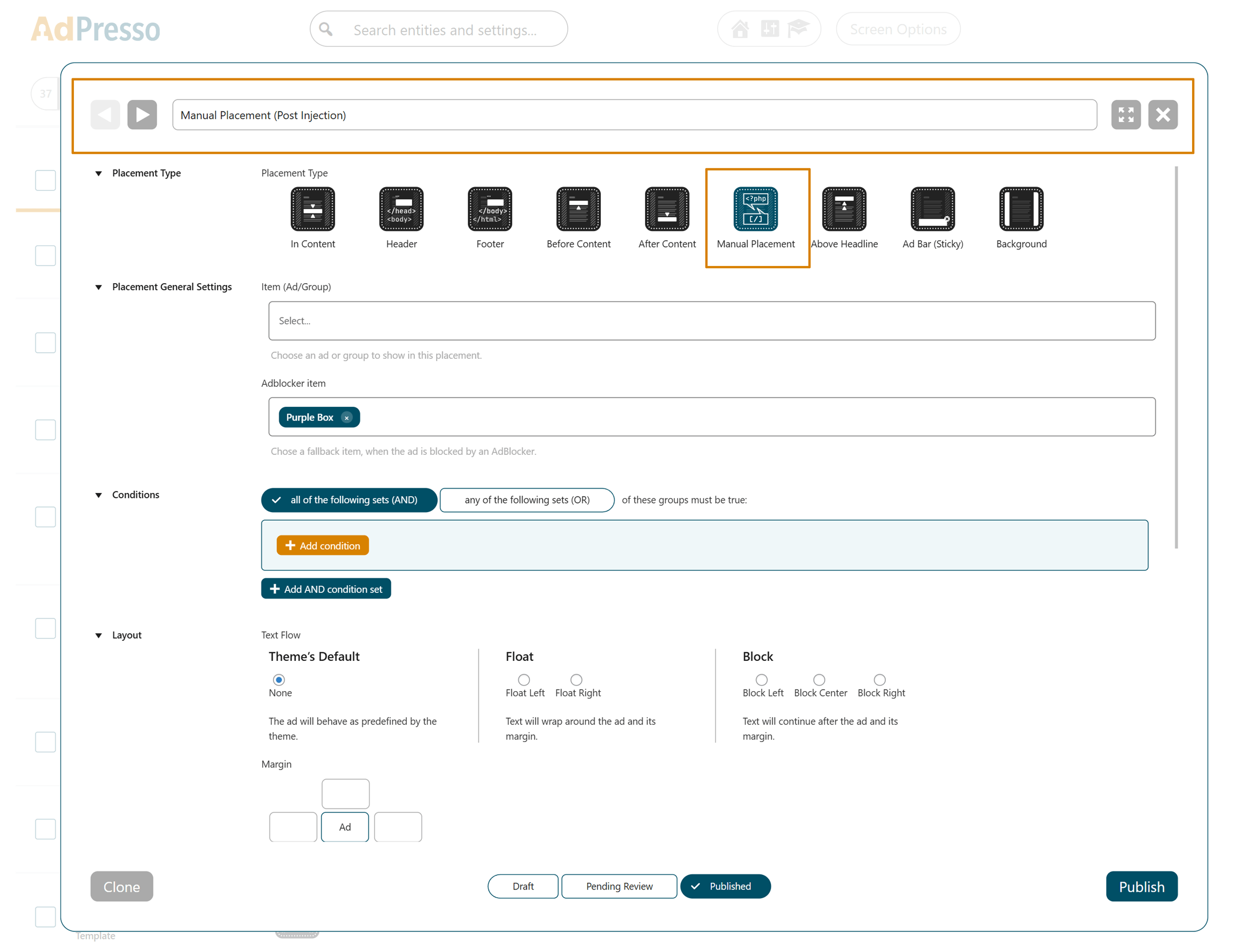
A manual placement only appears where you explicitly insert it. You can embed it via the block editor, a shortcode, a widget, or directly in your theme files using PHP.
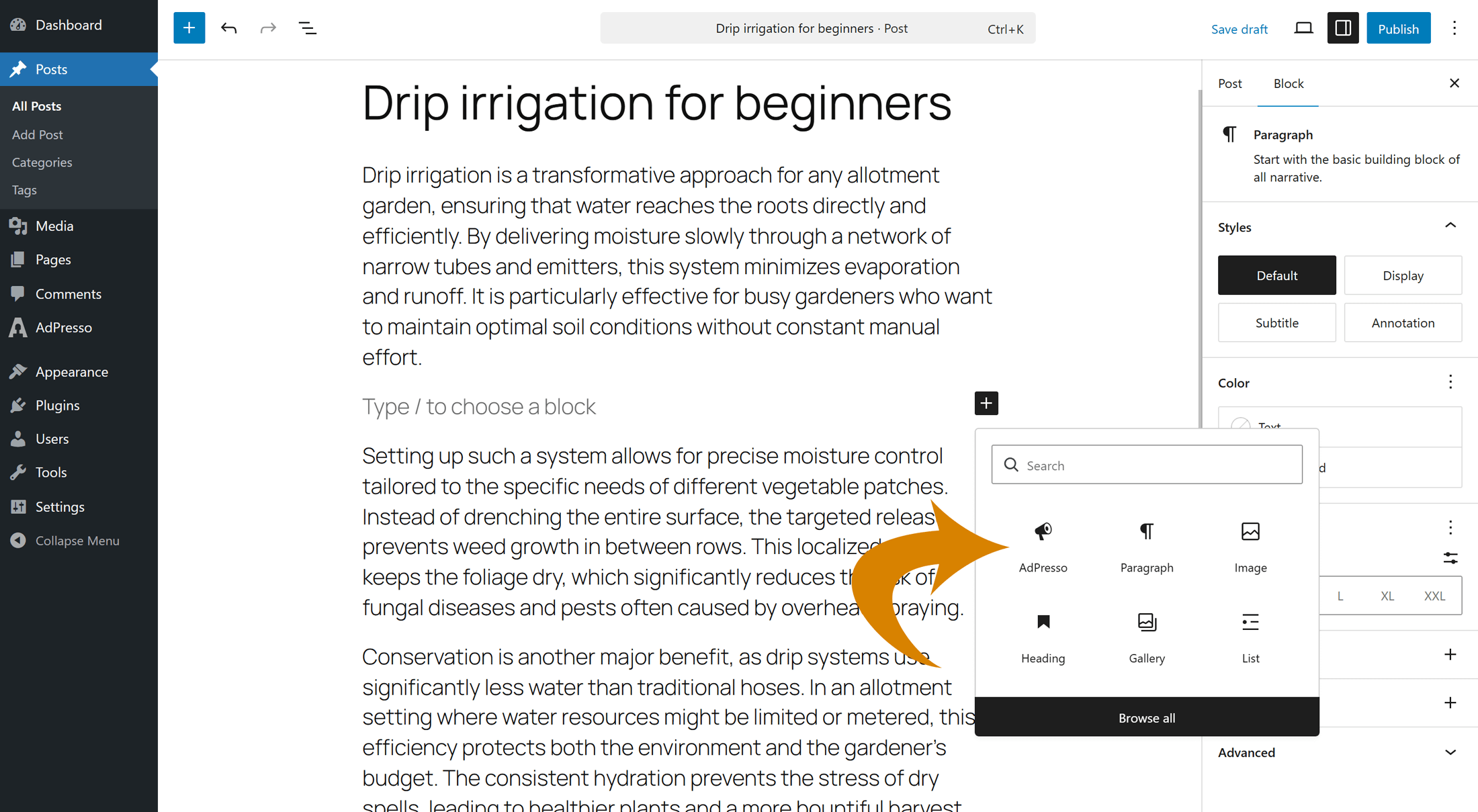
Add the AdPresso block to any post, page, or widget area, then select the desired manual placement in the block settings. This works well for posts, pages, and sidebars.
To retrieve the shortcode of a manual placement, open the Placements overview in AdPresso. You have two options:
Copy the shortcode and paste it into your content, a widget, or any custom field that supports shortcodes.
Use this method to hardcode a placement into theme templates, such as custom header zones or dynamic layout elements not covered by automated logic.
<?php
if ( shortcode_exists( 'your_shortcode_here' ) ) {
    echo do_shortcode( '[your_shortcode_here]' );
}
?>
Note: Replace the placeholder in the code example with the actual shortcode of your placement.
