With AdPresso’s scheduling options, you stay in full control of when your banners go live. No more logging in at midnight to launch a campaign. No more reminders to manually pause ads when a promotion ends. You decide exactly when an ad should appear, and AdPresso handles execution.
That means less manual work, fewer mistakes, and campaigns that start and stop exactly when they should.
To set this up, open the edit view of your ad and scroll to the Scheduling section. You’ll find all relevant options neatly organized in one place, so you can plan campaigns without jumping between different menus.
By default, every new ad is active immediately and runs indefinitely. However, if you want to align an ad to a specific timeframe, you can set custom start and end dates.
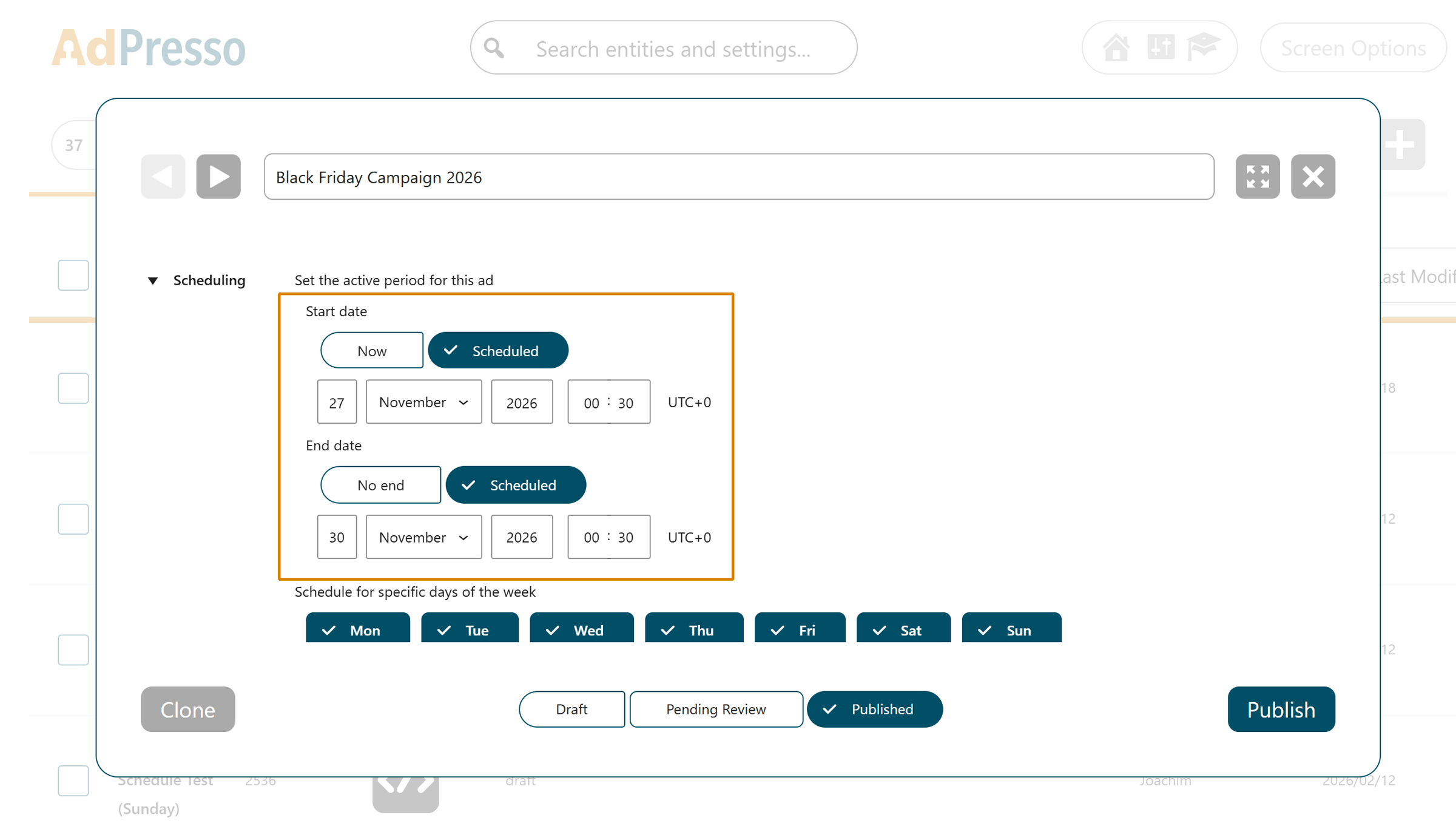
This setup allows you to integrate new banners into existing rotations without disrupting your current site layout before the official launch.
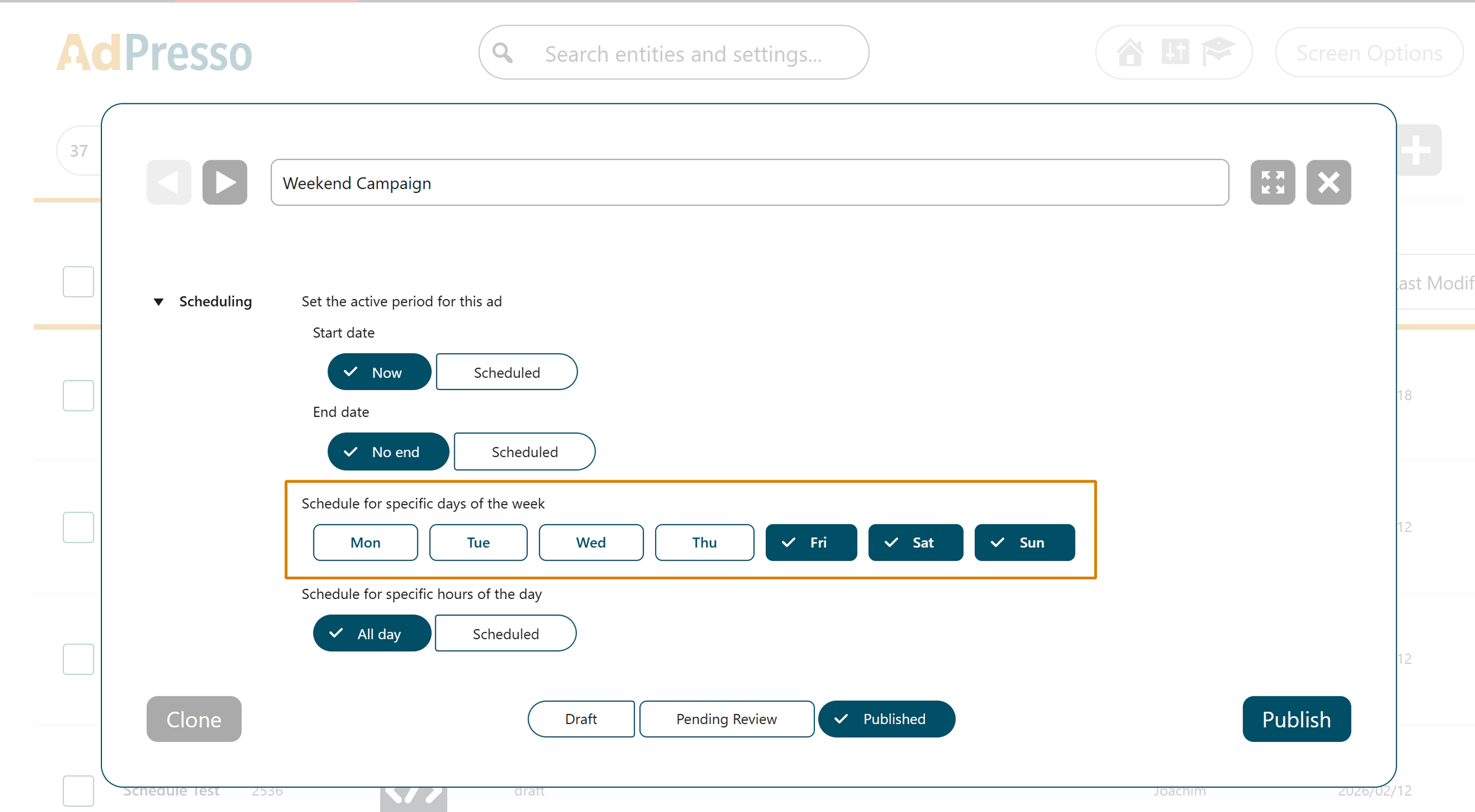
Not every campaign performs equally well throughout the week. If your offers generate strong engagement on weekends but underperform on weekday mornings, use the specific days option. This lets you toggle visibility for each day of the week, focusing your exposure where it matters most.
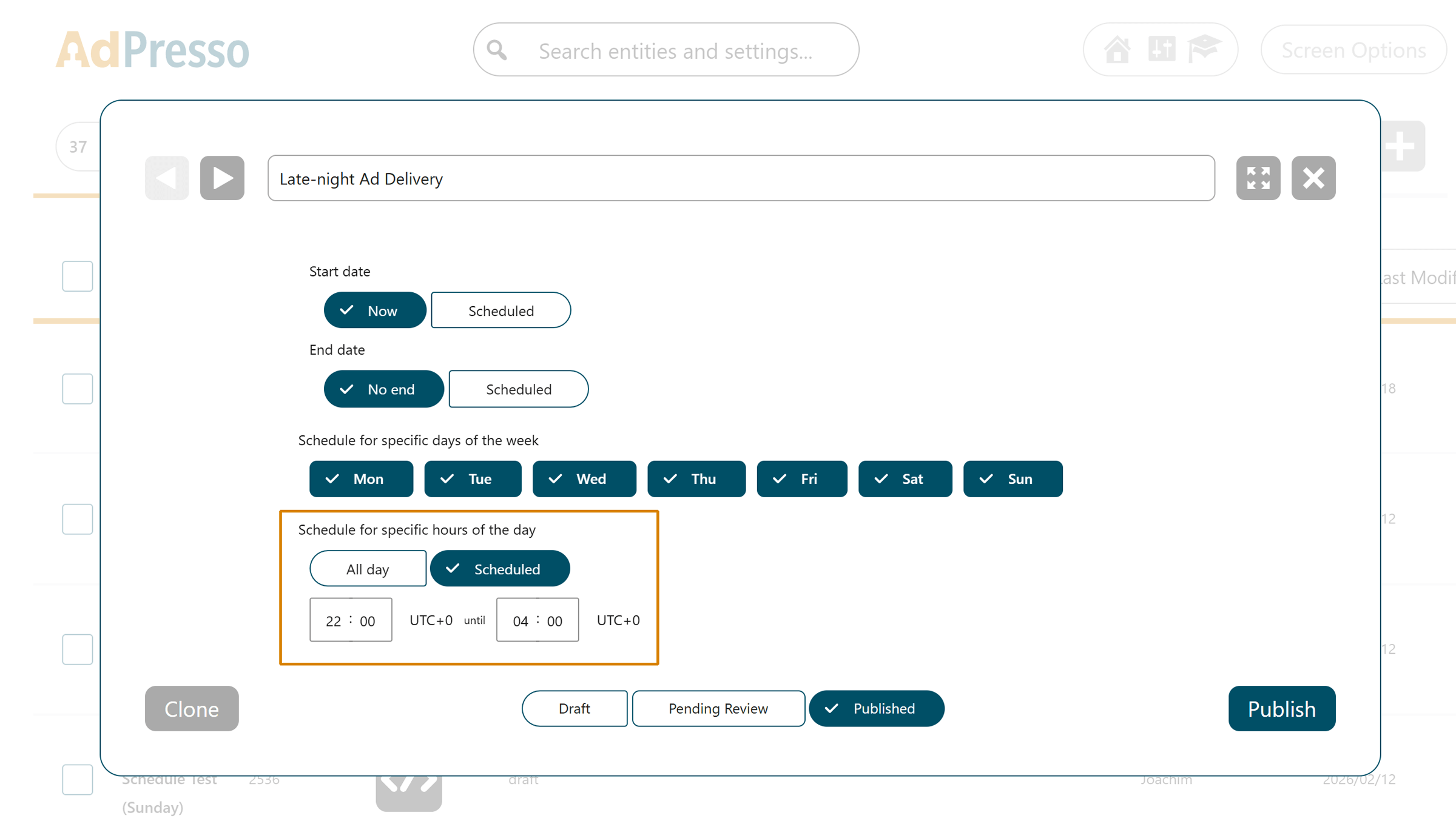
AdPresso also lets you control the exact hours an ad appears. This setting allows you to define precise time windows, such as from 10 p.m. to 6 a.m.
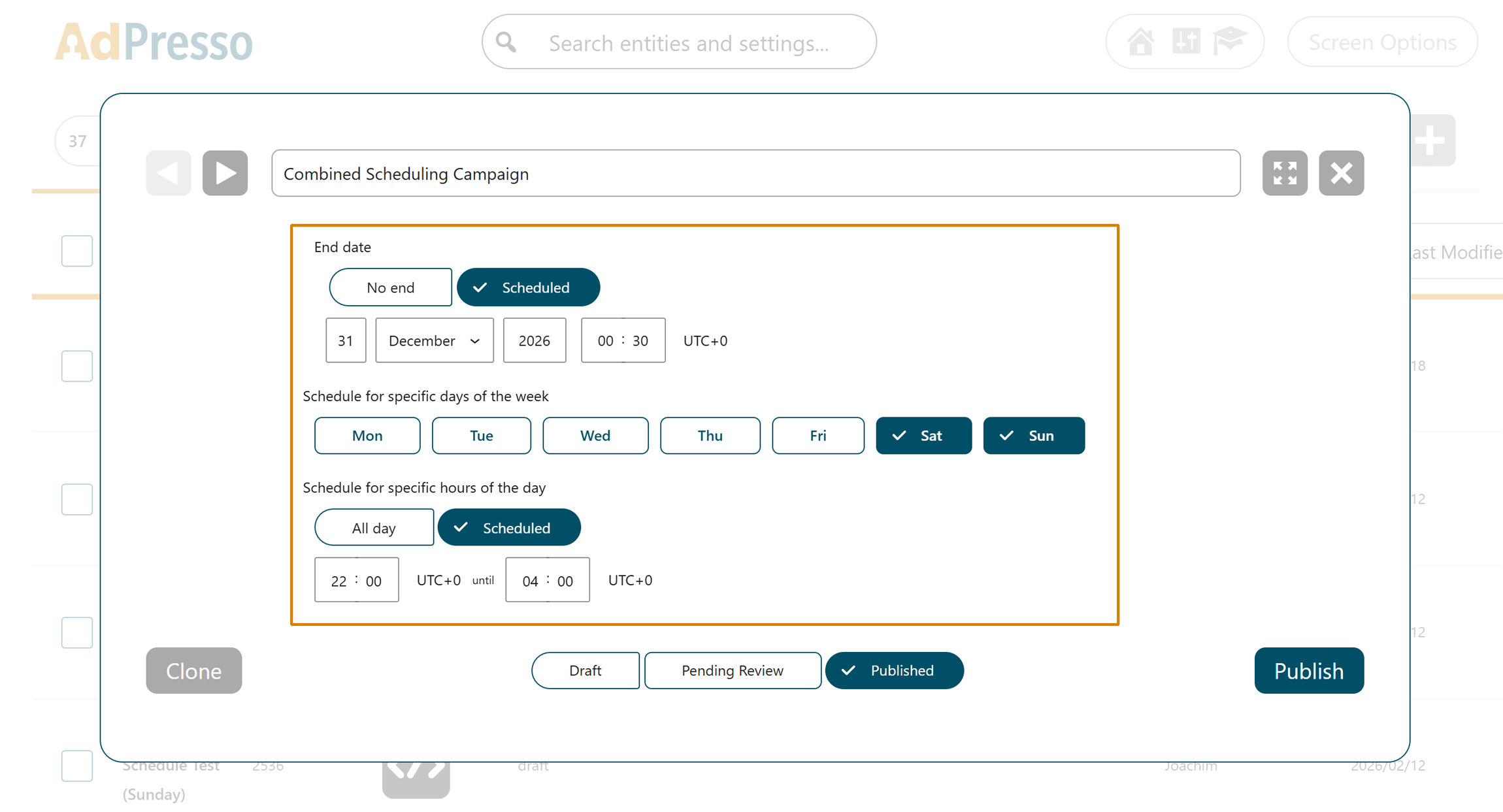
You can use all scheduling settings simultaneously for a highly targeted setup. For example, you could configure a campaign to run only in December, exclusively on weekends, and only during evening hours.