In ad-heavy layouts, the same ad unit can be rendered multiple times on a single page, especially when it is part of a rotating ad group or embedded across several placements. While this may increase technical visibility, it often leads to diminishing returns from a user experience perspective. Repetition reduces attention, accelerates banner blindness, and can create a perception of low variation within your ad inventory.
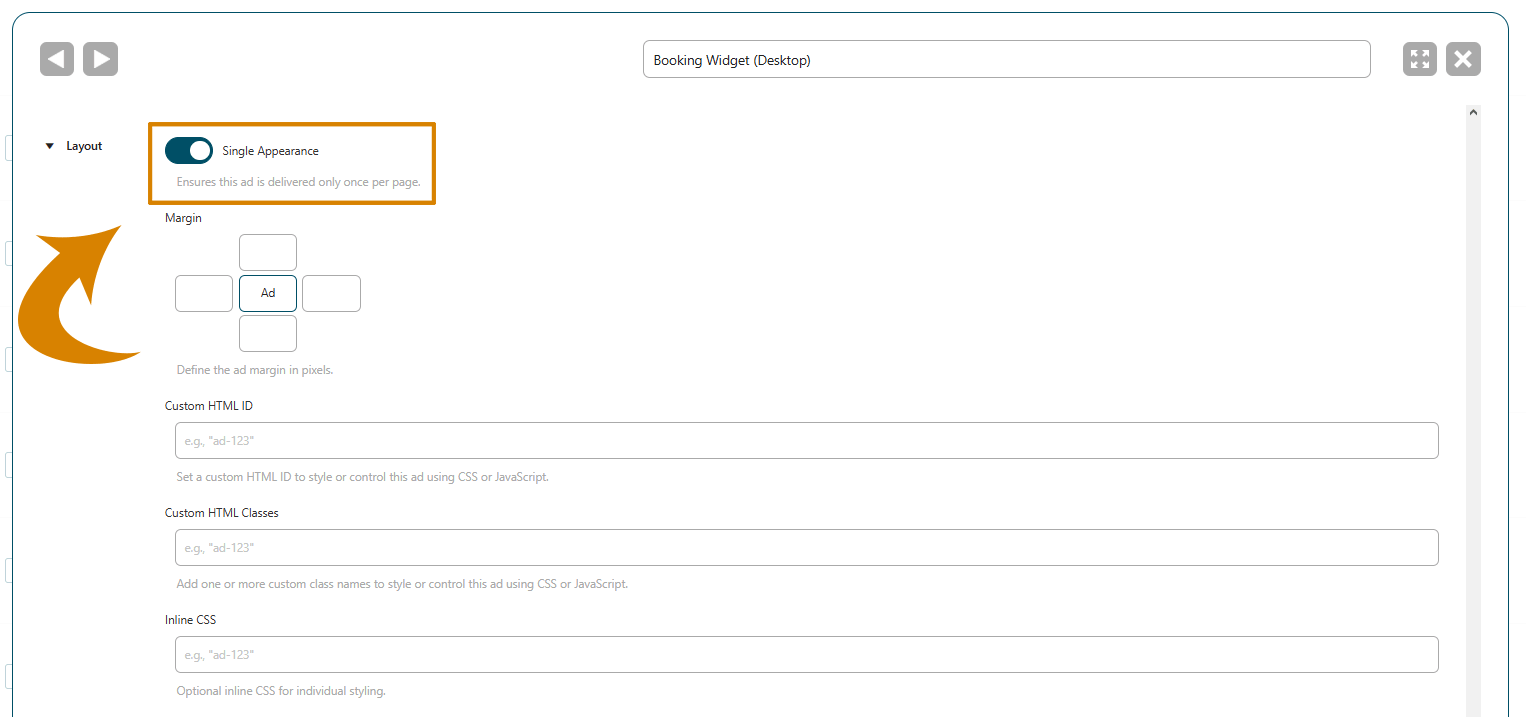
The single appearance option addresses this by limiting the delivery of a specific ad to one impression per page, regardless of how many placements or injections would normally include it. After rendering the ad, AdPresso prevents any further delivery of it during the same page load.
Repeated exposure to the same creative within a single page rarely improves performance. Instead, it tends to reduce engagement and negatively affect the overall perception of your site.
Single appearance helps you:
A common scenario involves ad groups that rotate multiple creatives and are embedded multiple times within the same page. This setup can occur through:
Unless you apply restrictions, AdPresso may embed the same ad in multiple positions within a single page. When the single appearance option is enabled, AdPresso will render the ad only once and exclude it from any further placements during that page load.
Any subsequent placement requests will skip that ad and instead deliver alternative creatives from the available inventory or the defined fallback ads.
This behavior also applies to setups with ad refresh enabled. An ad with single appearance enabled will participate in the initial rotation and can be loaded once. However, it is excluded from all subsequent refresh cycles.
For example, in an ad group with three ads, one of them with enabled single appearance and active ad refresh, will behave like this:
The option is included in AdPresso Pro. To activate it:
Once you save, AdPresso immediately implements the changes.
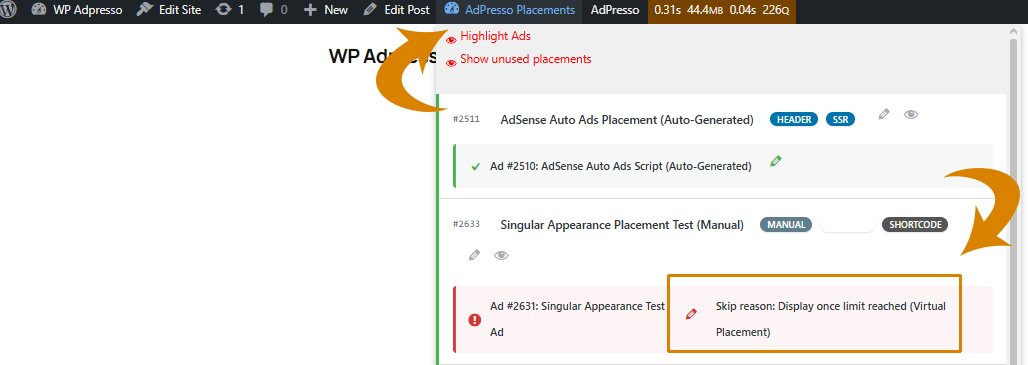
Suppose the single appearance restriction prevents an ad from displaying, the AdPresso status report flags this event. You can access the report from the frontend via the admin bar > AdPresso Placements.