Content doesn’t age in a straight line. Its value, relevance, and user intent shift with every day after publication. The Content Age condition gives you precise control over when ads or code snippets are delivered based on how old a post or page actually is.
Instead of applying a one-size-fits-all approach, you can align monetization and on-page messaging with your content lifecycle. Fresh articles often attract loyal readers and social traffic, where a clean, low-ad experience improves engagement and sharing. As content matures and starts ranking, a balanced setup typically performs best. And once posts become evergreen entry points through search, users tend to be more solution-driven, making them more receptive to stronger ad formats, affiliate links, or product-focused content.
Knowing this background also opens up practical strategies. Keep new content ad-light for the first 24–48 hours, activate more aggressive monetization on older posts, or shift from newsletter prompts on fresh articles to product recommendations on established ones.
You can apply the condition to individual ads, ad groups, or entire placements.
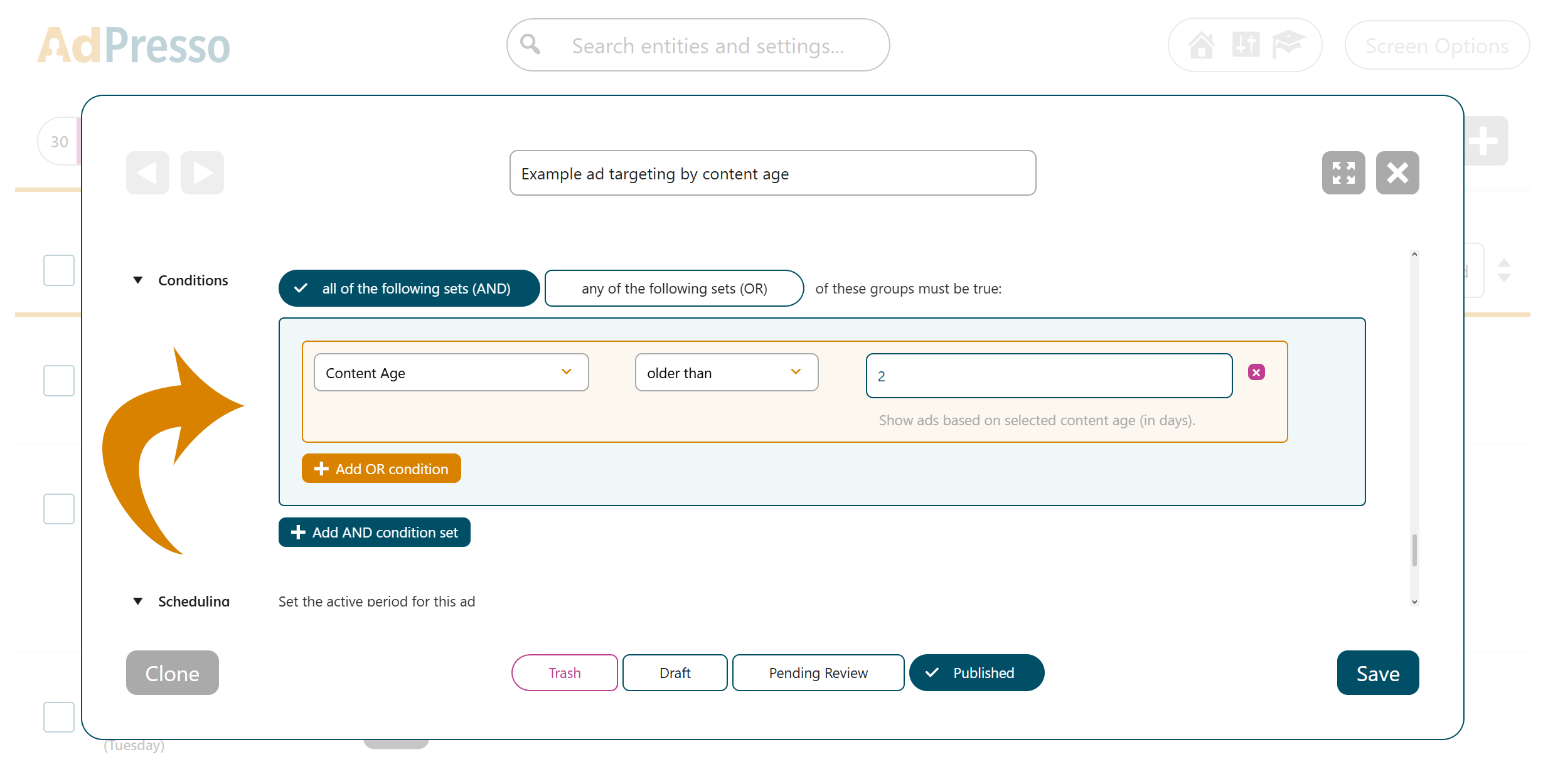
From this point on, the item will only load if it matches the defined content age criteria.
For a broader explanation of how to use conditions in AdPresso, see the general conditions documentation.
The following use case shows that AdPresso conditions go beyond monetization. For older content, transparency can significantly improve trust and perceived quality, especially in technical or fast-moving niches. This approach strengthens E-E-A-T signals by clearly communicating content freshness without any manual updates.
In this example, one might automatically display a notice like below for such posts:
This article was published over a year ago. Some information may be outdated.
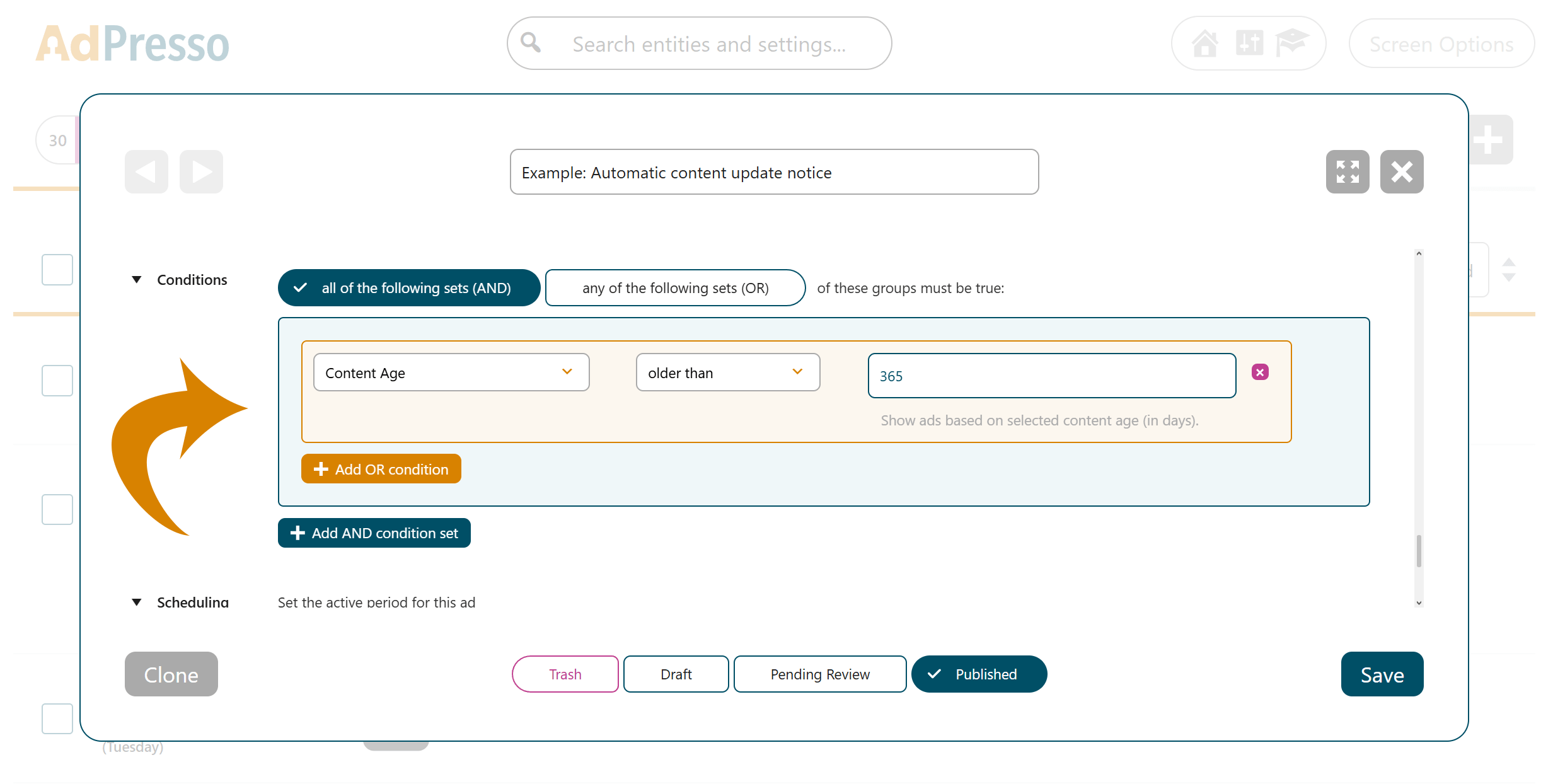
AdPresso will now automatically inject this notice into all qualifying posts to inform the visitor about potentially outdated information.
