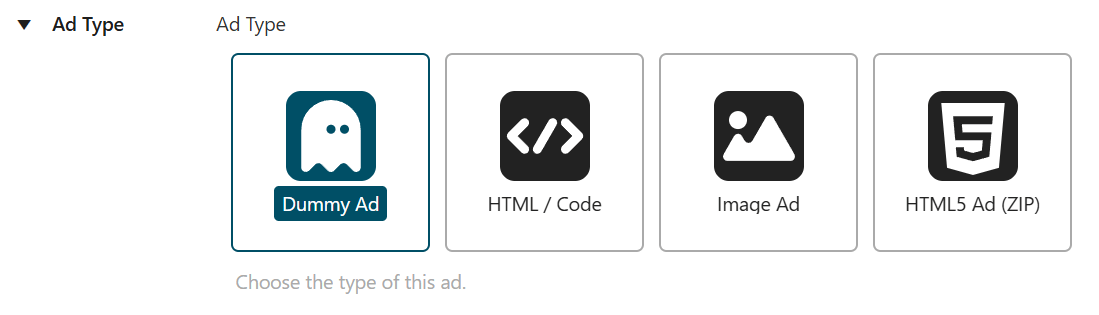
When you create a new advertisement in AdPresso, selecting the ad type determines how the plugin handles and renders the content on the frontend. Each type maps to a specific technical setup and use case. AdPresso provides four options: Dummy, Image, HTML / Code, and HTML5.
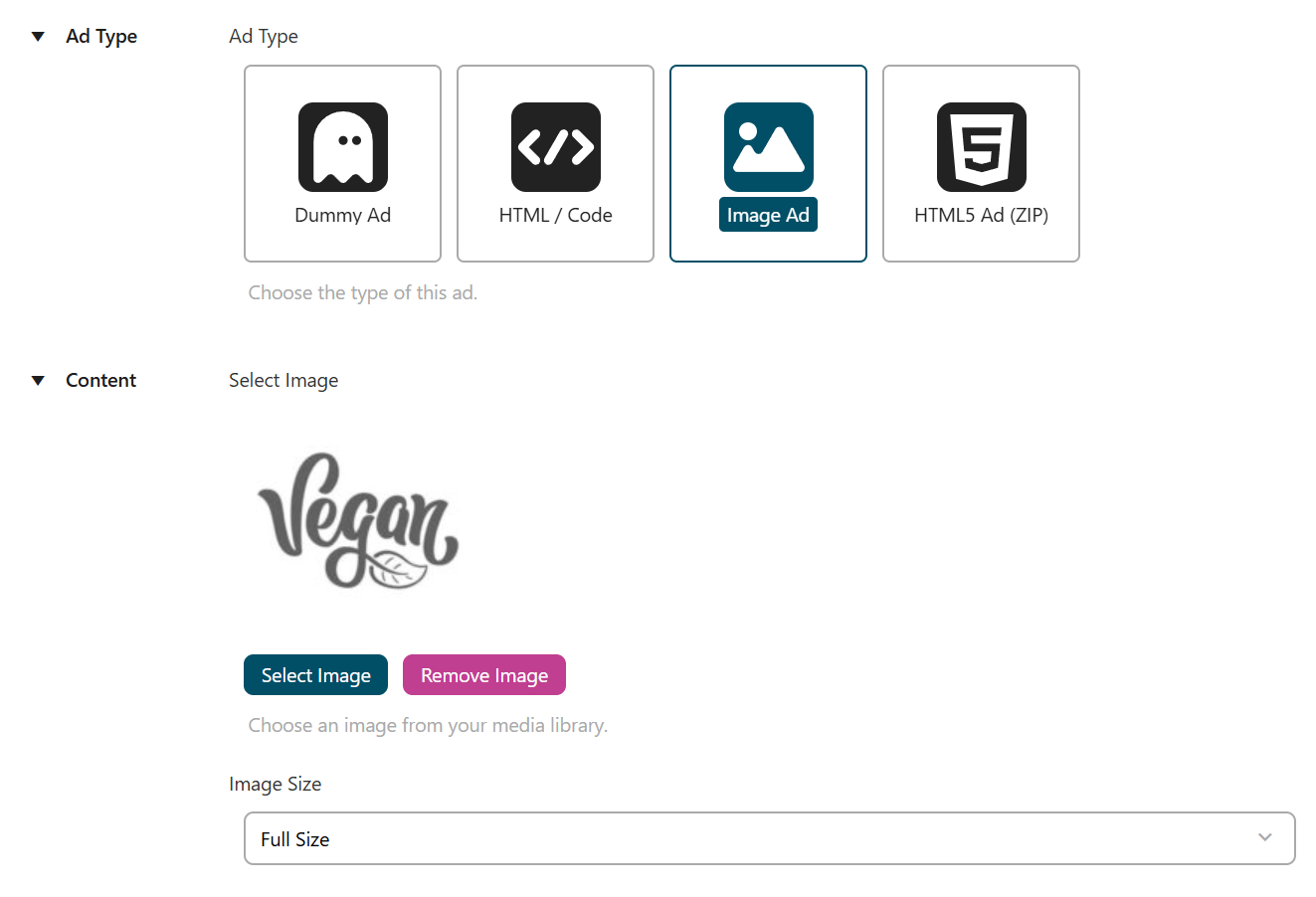
The Image ad type covers classic display formats. You can upload files directly or select them from the media library. The plugin renders the image either in its original size or within defined dimensions.
AdPresso automatically applies the alt attribute stored in the media library. This supports accessibility and ensures clean, standards-compliant markup without additional configuration.
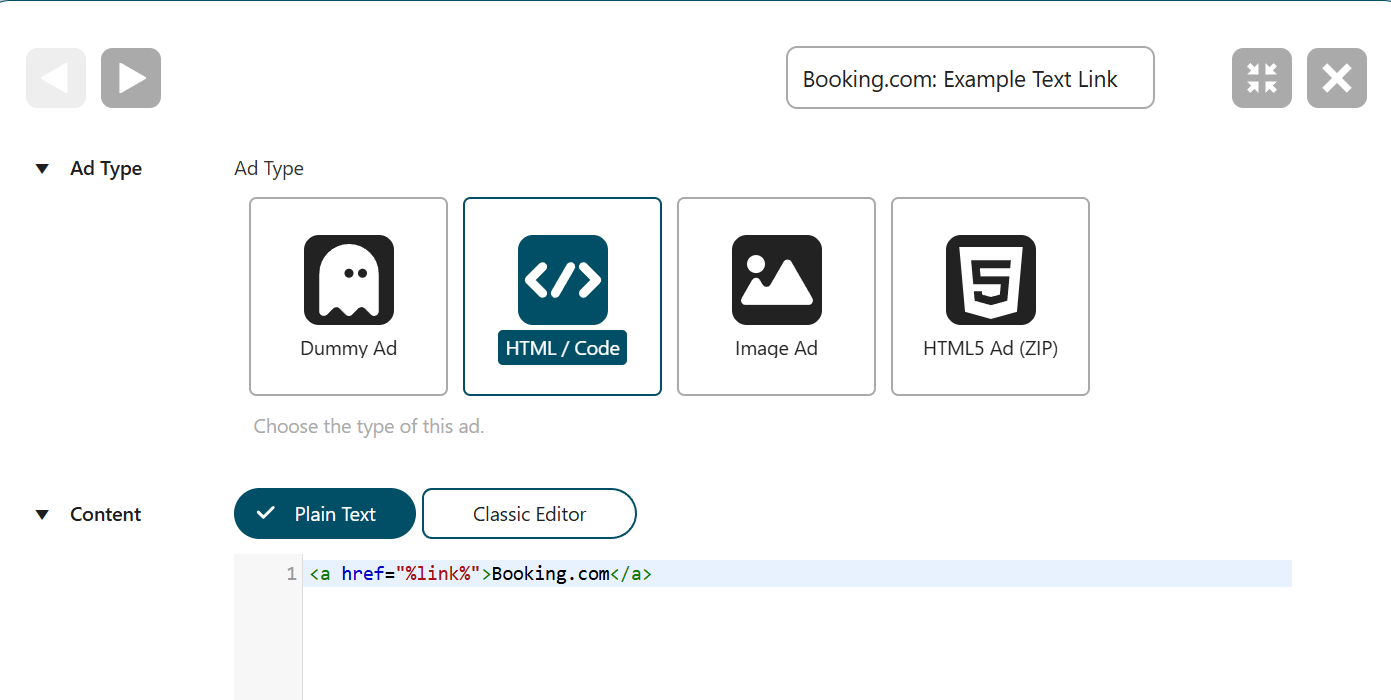
The HTML/Code ad type provides a flexible container for custom implementations. You can add plain HTML, CSS, or JavaScript and switch between a code editor and a visual editor depending on your workflow.
This type fits most external ad tags and custom builds. It is the default choice for integrating third-party networks like Google AdSense, embedding scripts, or creating tailored ad units such as text links or custom banners with interactive elements.
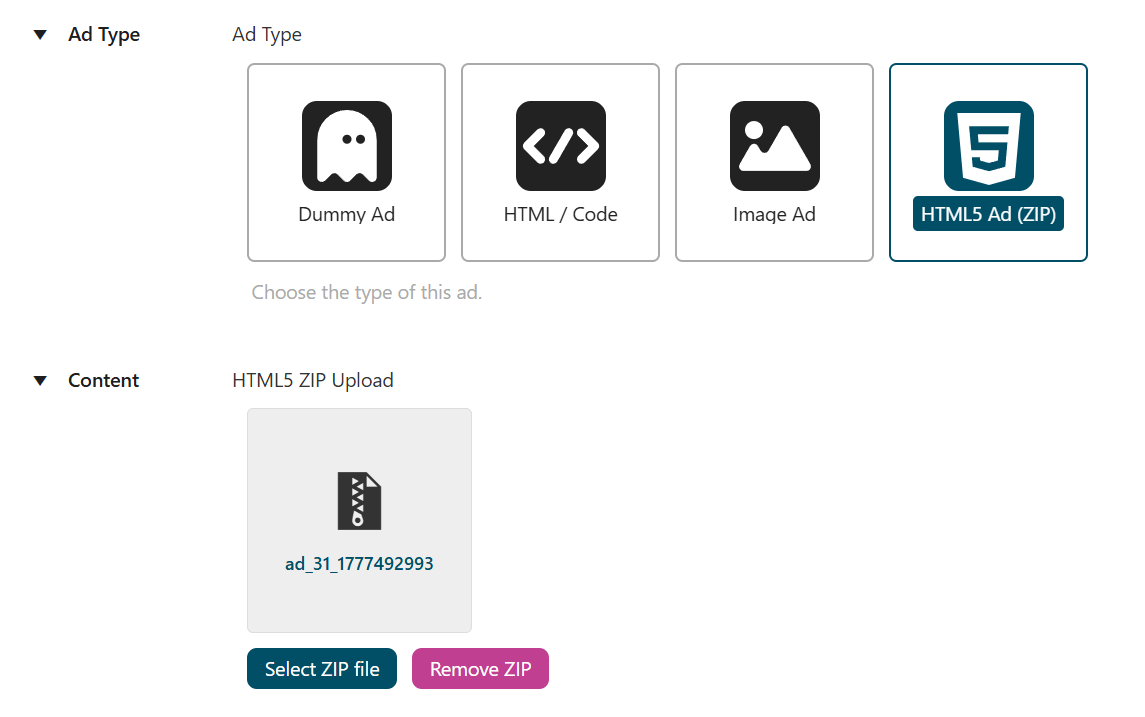
The HTML5 ad type supports rich media creatives packaged as ZIP files. You can upload these bundles or select them from the media library. AdPresso extracts and prepares all included assets for frontend delivery.
This setup ensures that animations, interactions, and dependencies load correctly. It is the preferred option for modern creatives that rely on multiple files and structured assets.
The Dummy ad type acts as a diagnostic tool, not as a production ad. It outputs a minimal placeholder and ignores all standard logic, such as conditions, scheduling, privacy, and global deactivation.
This makes troubleshooting straightforward. If an ad does not appear, switch it to Dummy to isolate the issue. You can quickly verify whether the placement works as expected or whether restrictions on the ad prevent delivery.