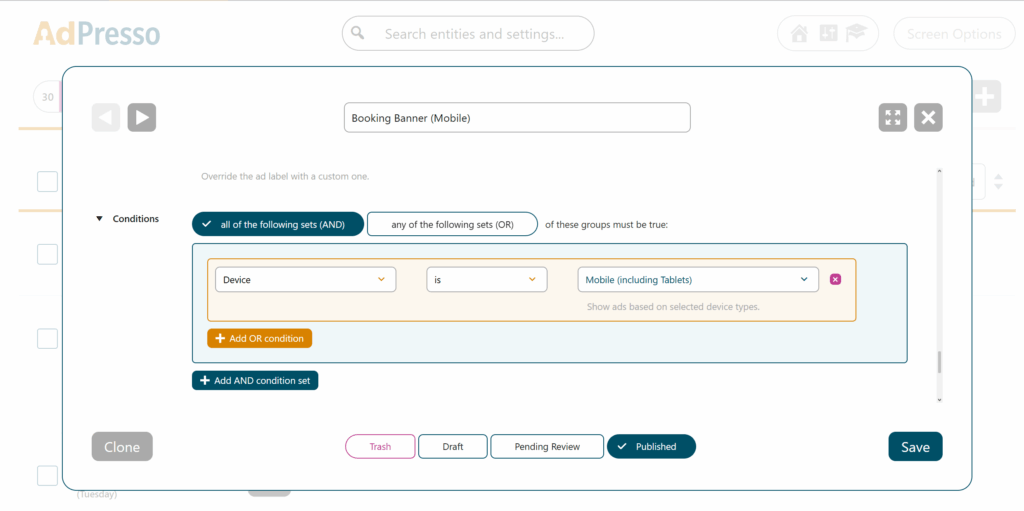
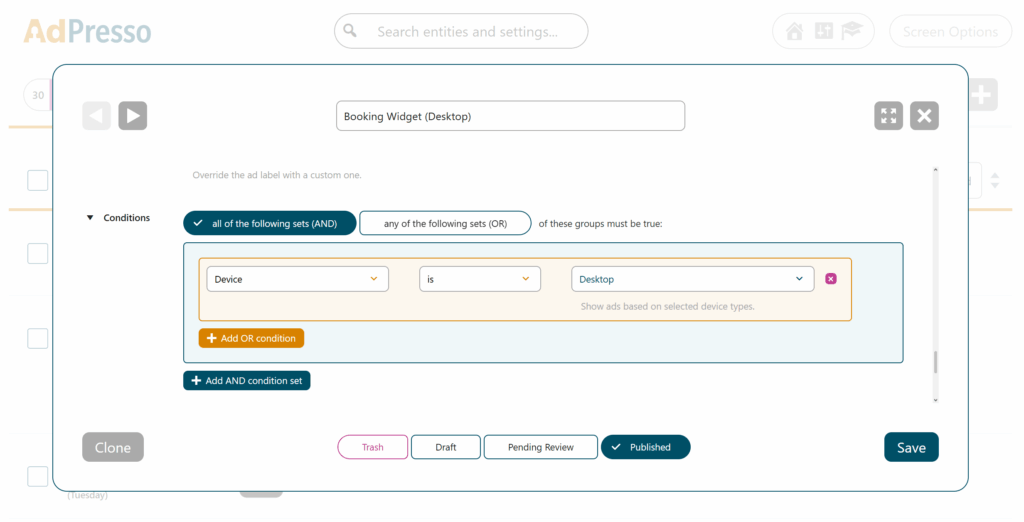
The way ads appear and perform depends heavily on the device your visitors use. Screen size, interaction patterns, and loading behavior all influence how users perceive and engage with your ad setup. The Device condition lets you control ad delivery by device type and provides a practical lever to optimize both design and monetization.
A common use case is improving user experience and click-through rate with device-specific formats. Large leaderboard banners can work well on desktop screens where space is available, and layouts remain stable. The same format on a smartphone often feels intrusive or breaks the flow of the content. With the Device condition, you can switch to compact mobile-optimized formats that preserve readability and encourage interaction.
You can apply the Device condition to individual ads, ad groups, or entire placements.
From this point on, the selected item will appear only to users who meet the defined condition.
For a broader explanation of how to use conditions in AdPresso, see the general conditions documentation.
Popups or large overlays often deliver high conversion rates on desktop computers, where users have ample screen real estate to interact with them easily. On mobile devices, however, these same elements can cover the entire viewport, leading to a frustrating user experience and potentially violating search engine guidelines for mobile-friendly content. To avoid these issues, it is effective to restrict such elements to desktop environments.
Here is the streamlined process to get your desktop-only popup ad running.
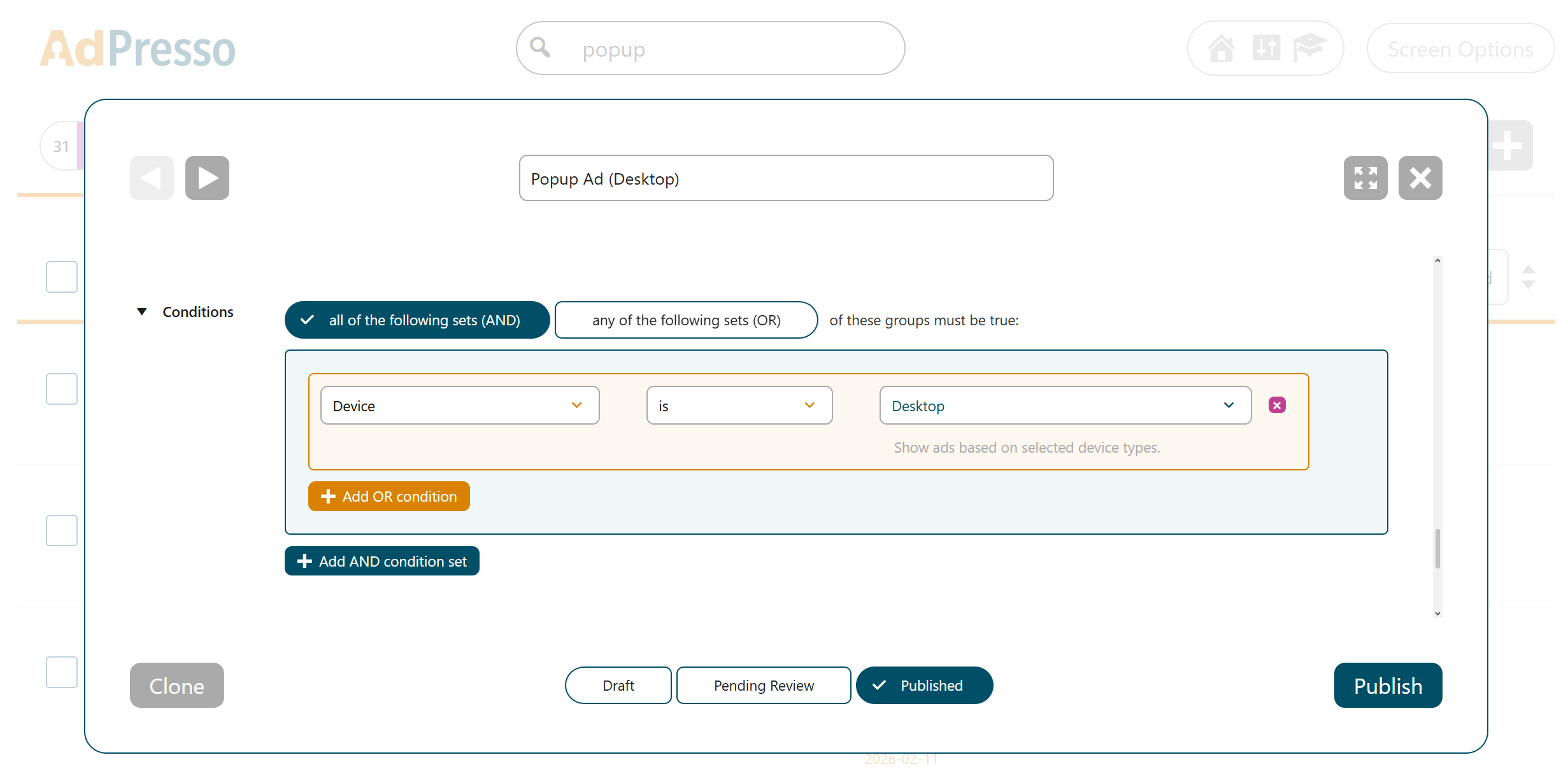
AdPresso handles the delivery logic by checking your conditions in real time. Before the placement or the ad itself loads, the plugin verifies the visitor's hardware. If the "Device" filter is set to desktop, AdPresso will serve the ad only to users on larger screens. For anyone on a smartphone or tablet, the system suppresses the ad to keep the mobile layout clean and unaffected.
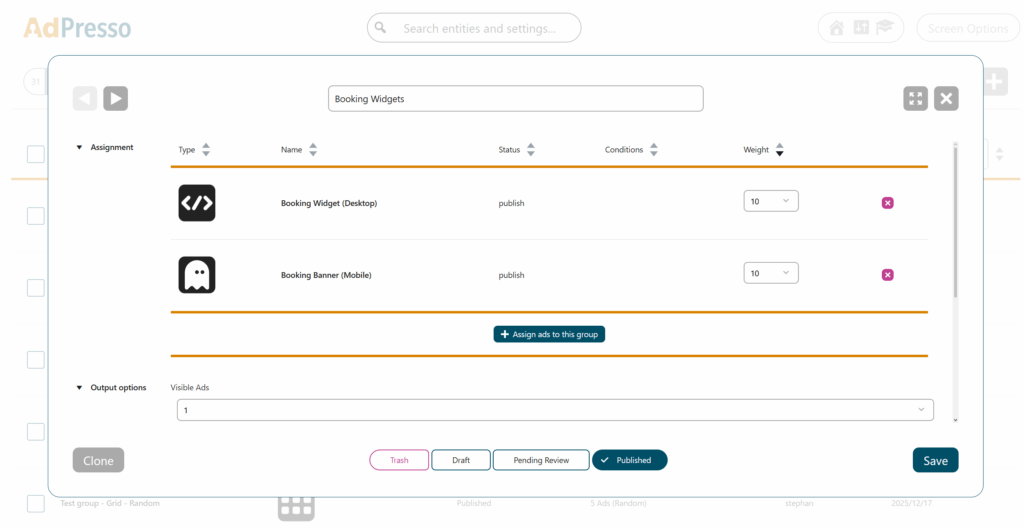
Let’s assume you want to integrate a detailed booking widget. On a desktop, this works well because there is enough space to display all elements without compromising the layout. On mobile devices, the same widget becomes too large, negatively affecting usability. In this case, a streamlined banner is the better choice.
You can implement this setup in a few steps.
Alternatively, create a manual placement, assign the group to it, and insert it using a shortcode or a block from the block editor exactly where you need it in your theme. AdPresso handles the logic in the background. When a user loads the page, the system detects the device type and automatically delivers the ad that matches the defined condition.